(02) 9199 8787 SUPPORT
Website Down. Back Up in Under 3 Minutes. | AHS Customer Story
AHS Customer Story · 29 July 2026

Website down. Back up in 3 minutes.

Clarence House was completely offline. Visitors were being blocked by a full-screen browser security warning. From the first call to a fully restored, secure website took less than three minutes.

ClientClarence House Pty Ltd
IndustryFunction Room Facility
IssueSSL Certificate Expired
OutcomeSite restored & secured in under 3 minutes
2–3Minutes to full resolution
0Data lost or corrupted
100%Site restored and secured
The situation

A function venue with no website. That is a problem.

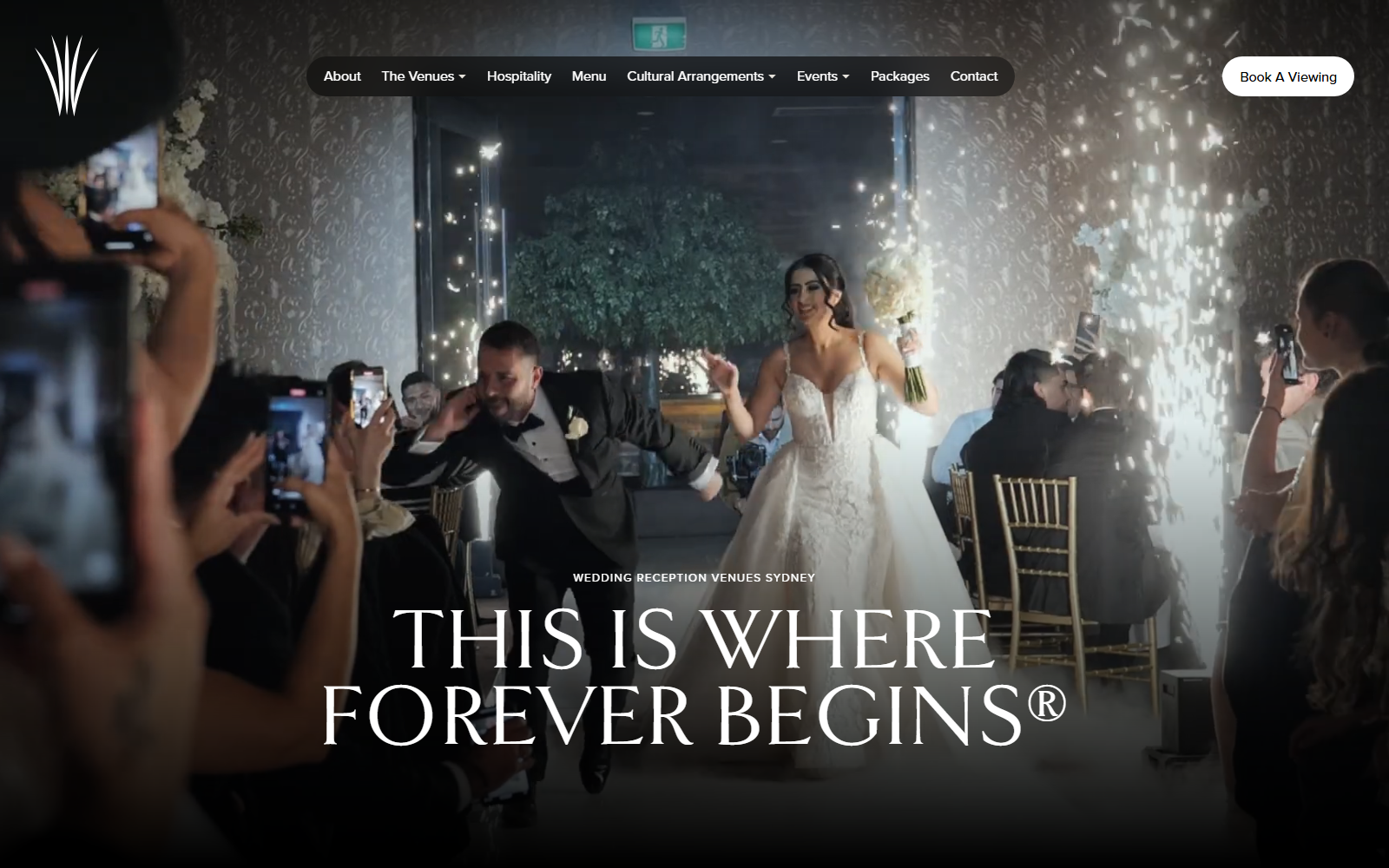
Clarence House is a function room facility based in Belmore, NSW. Events, bookings, and venue enquiries all run through their website. When that site goes dark, business stops.

The client called in to report that their website was completely inaccessible. Visitors were being greeted with a full-screen browser security warning instead of their venue. Chrome was throwing error code NET::ERR_CERT_DATE_INVALID, which meant browsers were actively blocking every user from reaching the site.

For a venue that relies on online enquiries and bookings, every minute offline is a missed opportunity. AHS got on it straight away.

Live error — what every visitor saw

Your connection is not private

Attackers might be trying to steal your information from clarencehouse.com.au.

NET::ERR_CERT_DATE_INVALID
ClientClarence House Pty Ltd
Websiteclarencehouse.com.au
IndustryFunction Room Facility, Belmore NSW
Issue typeSSL Certificate Expired — Let’s Encrypt 90-day expiry, auto-renewal failed
ImpactSite completely inaccessible, browsers blocking all visitors with full-page security warning
Service deliveredEmergency website recovery via cPanel SSL reissuance
Resolved on29 July 2026
Time to resolution2–3 minutes from diagnosis to confirmed live
Root cause

A 90-day clock that ran out silently.

Let’s Encrypt certificates are valid for exactly 90 days. When the hosting panel’s auto-renewal process failed to trigger, there was no alert — and no warning for the client until their site was already down.

Certificate reached 90-day expiry

The Let’s Encrypt SSL certificate on Clarence House’s hosting account hit its expiry date. Let’s Encrypt certificates require renewal every 90 days, and this one had reached the end of its validity window.

AutoSSL renewal failed to trigger

The hosting panel’s automatic renewal process did not fire as expected. No renewal, no alert, no fallback. The certificate lapsed and the site’s HTTPS connection became invalid.

Browsers blocked all traffic immediately

Without a valid certificate, every HTTPS connection to the site was rejected by browsers. Chrome displayed the full-page NET::ERR_CERT_DATE_INVALID error to every visitor — with no way past it.

No monitoring to catch it before the client did

There was no uptime monitor or certificate expiry alert in place. The client discovered the failure themselves when they tried to access the site — by which point the impact had already started.

The fix

Logged in. Diagnosed. Done.

No back-and-forth. No waiting for a third party. AHS logged straight into the client’s cPanel hosting account, identified the issue, and resolved it on the spot.

1

Logged into cPanel directly

Accessed the client’s cPanel hosting account without delay. Direct access, no third parties, no waiting on a callback chain.

2

Identified the expired certificate on the cPanel home page

The cPanel home screen was already flagging it: “Your domain is at risk!” The SSL certificate status confirmed the expiry immediately.

3

Initiated certificate reissuance

Clicked Add SSL Certificate on the cPanel home page and navigated to the “Issue a Certificate” screen to begin the reissue process.

4

Selected domain and issued Let’s Encrypt certificate

Selected clarencehouse.com.au and chose Let’s Encrypt Certificate as the certificate type. The certificate was issued and installed automatically within seconds.

5

Confirmed site live and secure

Verified that clarencehouse.com.au was fully accessible, the browser security warning was gone, and HTTPS was serving a valid certificate. Total time from first access to confirmed resolution: 2–3 minutes.

The difference

Typical hosting support vs. AHS.

Most providers log the ticket and start a queue. AHS picks up the phone, logs in, and fixes it.

Typical hosting support

Log a ticket. Wait for the queue.

  • Site down while you wait for a response
  • Ticket triaged by someone who hasn’t seen the account
  • Multiple back-and-forth messages before action
  • No direct cPanel access for fast diagnosis
  • Third-party escalation adds hours of delay
  • Client left to manage the fallout in the meantime
Australian Hosting Solutions

Answer the phone. Log in. Fix it in minutes.

  • Client calls in and gets through straight away
  • Direct cPanel access — no third-party delays
  • SSL certificate diagnosed in under a minute
  • Let’s Encrypt reissued and installed on the spot
  • Site confirmed live within 2–3 minutes
  • Client kept informed throughout, with a clear explanation
The result

Offline to fully secure. Under three minutes.

A venue that was completely offline and turning every visitor away was back up and fully secure before the conversation was over.

Site restored

clarencehouse.com.au was back online and fully accessible to all visitors within 2–3 minutes of the fix being applied. No extended downtime, no drawn-out resolution process.

🔒

Security reinstated

HTTPS connection fully restored. The browser “Your connection is not private” warning was eliminated and the site is now serving a valid, trusted SSL certificate.

Zero data impact

SSL reissuance is non-destructive. No website content, data, or configurations were altered during the fix. The site came back up exactly as it was.

💬

Client kept informed

The client received a clear explanation of what had gone wrong and how it was resolved — not just “it’s fixed now”, but the actual root cause and what to watch for.

What was delivered

The deliverables, documented.

Deliverable Detail
Emergency response Inbound Picked up the client’s call immediately and began diagnosis without delay or ticket escalation.
cPanel diagnosis Technical Logged directly into the hosting account and identified the expired Let’s Encrypt SSL certificate as the root cause within under a minute.
SSL reissuance Fix Initiated and completed Let’s Encrypt certificate reissuance via cPanel. Certificate issued and installed automatically in seconds.
Site verification Confirmed Confirmed clarencehouse.com.au was live, accessible, and serving a valid HTTPS connection before ending the call.
Client communication Outcome Provided a clear explanation of what caused the outage and how it was resolved — building confidence and transparency.
Preventing recurrence

Three things that stop this happening again.

The fix took under three minutes. The steps below make sure it never needs to be repeated.

1

Confirm AutoSSL is enabled and working

Check the cPanel SSL/TLS Status section and verify that AutoSSL or Let’s Encrypt auto-renewal is properly configured and running. Since it failed once, it needs to be confirmed before relying on it again — not just assumed.

2

Set a manual renewal review reminder

Let’s Encrypt certificates are valid for 90 days. Schedule a manual check around 10 October 2026 (75 days from the reissuance date) to confirm the next auto-renewal has fired correctly before the certificate window closes.

3

Add uptime monitoring

A basic uptime monitor on clarencehouse.com.au would alert the team proactively if the site goes down again, before the client has to call in to report it. The goal is to catch it before they see it.

Australian Hosting Solutions customer support icon People behind the platform

When your site goes down, someone picks up the phone and fixes it.

AHS doesn’t put you in a queue. The team logs in, diagnoses, and resolves — and tells you exactly what happened. That’s what hosting support is supposed to look like.

What clients say

Real reviews. Real clients. A consistent pattern.

Verified Google reviews published by Australian Hosting Solutions customers.

★★★★★
“Damien has always been polite, professional and always delivers on what he promises. Every time I have a query, Damien always returns my calls and resolves any issue quickly and efficiently.”
Dianne Xiberras · Verified Google Review
★★★★★
“Damien is fantastic! He has helped our business (Thrifty Seal) over 3+ years; answering all of our calls, answering all of our many questions — he is very efficient and prompt.”
Sam Goddard · Verified Google Review
★★★★★
“Above and beyond service… Secure Web Services’ service was so good I decided to change everything to them instead. 11/10!”
Luke Perrier · Verified Google Review
★★★★★
“This team led by the talented Damien Owen exceed expectations! Reliable, honest, awesome are a few words that come to mind.”
Lyn Mack · Verified Google Review
Your site should never go dark unnoticed

Fast support. Real answers. No queues.

AHS answers the phone, logs in, and fixes the problem — then tells you exactly what happened and how to stop it from happening again.