
1
Client reports two broken images
DekkoPlus reported the two failing homepage images. The reflex answer is to blame the theme, the page builder, or the browser. AHS started with the page’s own source code instead.
Two brand badges on DekkoPlus’s homepage stopped loading. AHS traced the fault from the page markup to the server’s filesystem, found an entire month of the WordPress uploads library missing from disk, and restored just that one folder from managed backups. No site-wide rollback. Nothing else touched.
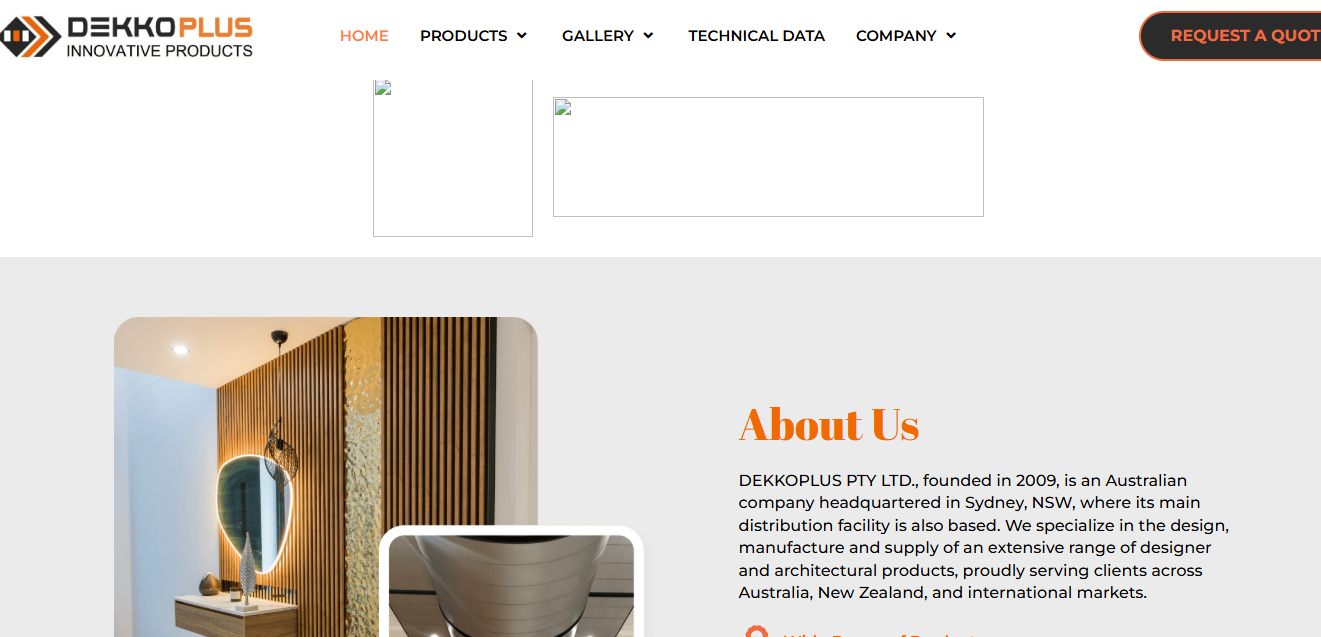
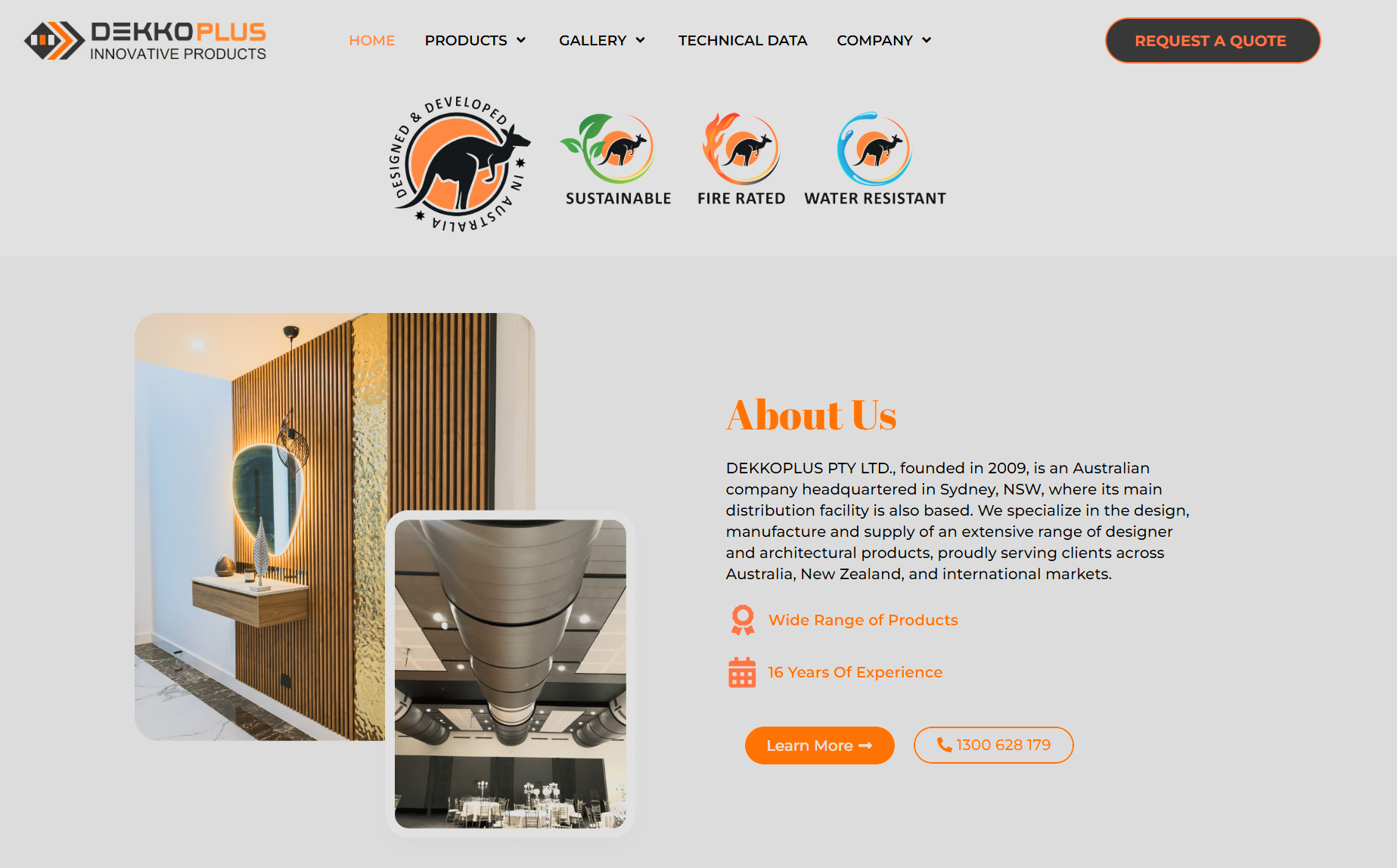
DekkoPlus — a Sydney-based designer and architectural products company — contacted AHS reporting two broken images on their website. Not obscure ones, either: the “Designed & Developed in Australia” roundel and the kangaroo certification badges that sit front and centre on the homepage.
For a company whose brand is built on Australian design and product certification, those marks do the credibility work — and they were rendering as empty broken-image boxes for every visitor. The rest of the site was behaving normally. Pages loaded, navigation worked, every other image displayed. Just those two assets, broken.
That narrow fault pattern is diagnostic gold. Two specific images failing while the site around them stays healthy isn’t a theme fault, a plugin conflict, or a server outage. Something is wrong with those files specifically — and the fastest way to find out what is to stop looking at the page and start looking at the request.
Broken images are one of the most commonly misdiagnosed WordPress complaints. AHS didn’t start with the theme, the page builder, or the browser. It started with the page’s own source code — and followed the evidence to the filesystem.
DekkoPlus reported the two failing homepage images. The reflex answer is to blame the theme, the page builder, or the browser. AHS started with the page’s own source code instead.
The image tags were intact and pointing at exactly the right addresses in the WordPress uploads library. The page was asking for the files correctly; the theme and content weren’t at fault. Whatever was wrong sat on the other side of the request — with the files themselves.
Loading one of the image URLs directly returned a 404. That specific code matters. A web server distinguishes between “you’re not allowed to see this file” (a 403, typical of a permissions fault) and “this file does not exist here” (a 404). The server wasn’t refusing to serve the image — it was reporting there was nothing at that address to serve.
WordPress organises uploads into year and month folders. Inspecting the account’s filesystem directly, the folder both broken images lived in — along with everything else uploaded that month — was missing from disk entirely. The media library, which tracks files in the site’s database, still listed them all as present. The database and the disk disagreed, and the disk had lost.
Because DekkoPlus’s hosting includes Acronis backups — enabled as part of the service and fully managed by AHS — the fix was surgical. AHS restored just the missing folder, putting back the lost month of media exactly as it was. The blunt-instrument alternative — rolling the whole site back — would have reverted every change made since.
With the folder back in place, the homepage badges rendered immediately for every visitor — no cache to clear, no code to change, because nothing about the site itself was ever broken. DekkoPlus was walked through what happened in plain terms: the pictures weren’t “broken”, they were missing from the server — and managed backups were quietly running the whole time.
The certification badges that anchor the DekkoPlus brand — empty boxes before the restore, back in place minutes later.
Once files are genuinely deleted from a server, nothing inside WordPress can bring them back. What matters is whether backups were already running — and whether the restore is surgical or a rollback.
A permanent data loss turned into a minutes-long fix — because the backups were already there, managed and running, before anything went wrong.
The missing folder was restored in place and the homepage badges rendered immediately. No code changes, no downtime, no rebuild.
The client saw two broken images. The actual loss was an entire month of the uploads library. The restore brought back all of it, including files nobody had noticed missing yet.
A targeted folder restore meant no site-wide rollback — every content change and upload made since stayed exactly as it was.
The files were unrecoverable from within WordPress itself. AHS-managed Acronis backups, running as part of the hosting service, turned a permanent data loss into a minutes-long fix.
| Deliverable | Detail |
|---|---|
| Issue triage Response | Two broken homepage images assessed from the fault pattern: specific assets failing while the surrounding site stayed healthy. |
| Markup and request-path review Technical | Page HTML confirmed intact and referencing the correct upload paths; direct requests to the image URLs returned 404 Not Found. |
| Filesystem diagnosis Technical | Server-side inspection confirmed the files absent — not a permissions fault — and scoped the true loss: an entire month’s uploads folder missing while the media library still referenced its contents. |
| Targeted backup restore Fix | Only the missing folder restored from AHS-managed Acronis backups. No site-wide rollback, no code, theme, plugin, or configuration changes. |
| Plain-English debrief Communication | Client briefed on what a 404 reveals, why the files couldn’t be recovered from within WordPress, and how the managed backup service closed the gap. |
| Restored brand assets Outcome | Homepage certification badges displaying correctly for all visitors, with the full month of lost media recovered. |
 People behind the platform
A broken image doesn’t mean a broken website — and a full-site rollback shouldn’t be the price of getting two files back. AHS reads the fault, scopes the real loss, and restores precisely that.
Verified Google reviews published by Australian Hosting Solutions customers.
“Damien has always been polite, professional and always delivers on what he promises. Every time I have a query, Damien always returns my calls and resolves any issue quickly and efficiently.”Dianne Xiberras · Verified Google Review
“Damien is fantastic! He has helped our business (Thrifty Seal) over 3+ years; answering all of our calls, answering all of our many questions — he is very efficient and prompt.”Sam Goddard · Verified Google Review
“Above and beyond service… Secure Web Services’ service was so good I decided to change everything to them instead. 11/10!”Luke Perrier · Verified Google Review
“This team led by the talented Damien Owen exceed expectations! Reliable, honest, awesome are a few words that come to mind.”Lyn Mack · Verified Google Review
Files can disappear from a server for a dozen reasons — and once they’re gone, WordPress can’t bring them back. AHS hosting includes fully managed backups, so recovery is a targeted restore away.